
Toolbar and panels
Adctv Creative Builder
Here is a quick walkthrough of the Adctv Creative Builder.
1. Canvas
Let’s start with the drag-and-drop ad builder. Here’s your canvas where you’ll be creating your ads.

It’s simple to get started, just drag and drop components from the Components(Interactive Widgets) list at the top directly into your canvas.
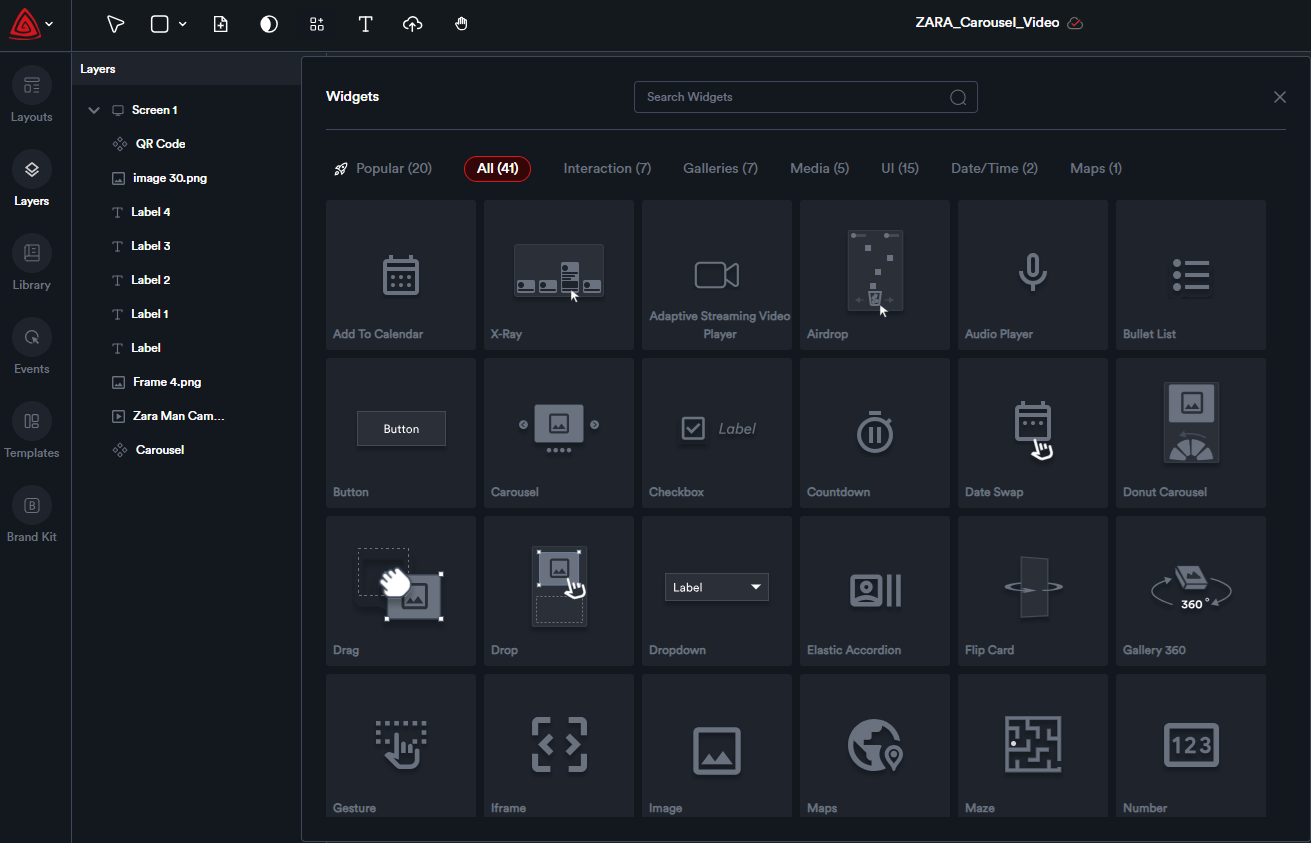
You can add new pages, view, and edit different pages/screens all in a single view.
2. Toolbar
The toolbar with various icons, each serving a unique purpose:

1 - Selector icon
2 - Add Basic elements
3 - Add Screens
4 - Add Interactive Widgets
5 - Text Element
6 - Asset Uploader
7 - Move Canvas
3. LayersPanel