Navigation and Layout
The Adctv Studio interface is designed for ease of use, with a clean layout and intuitive navigation.
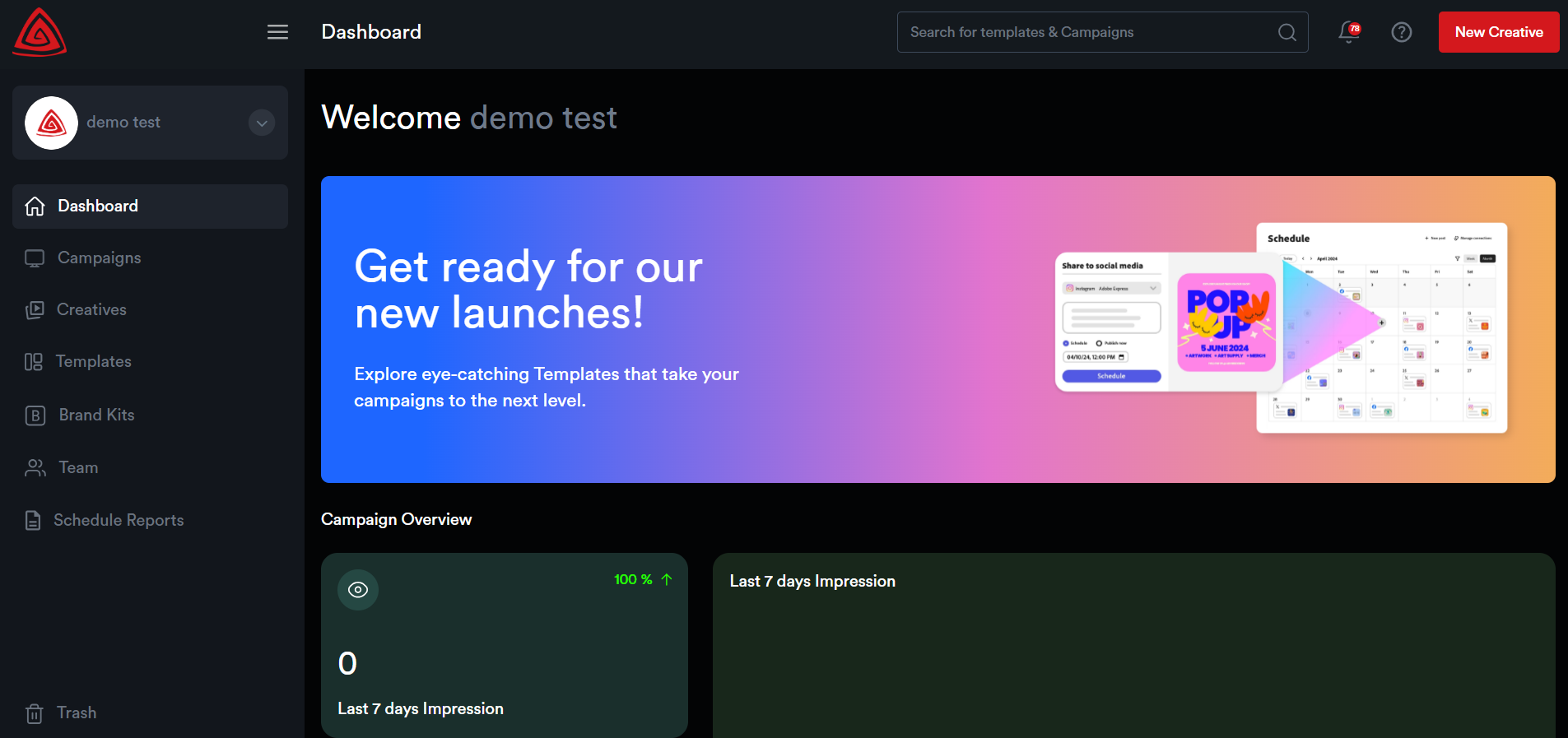
Left-Hand Navigation Menu:
On the left side of the screen, you’ll find the Navigation Menu, which allows quick access to key modules within the platform:
· Dashboard – Your homepage showing campaign stats, updates, and quick links.
· Campaigns – View, create, and manage all your advertising campaigns.
· Creatives – Manage and build your ad creatives here.
· Templates – Access pre-built templates to speed up creative development.
· Brand Kits – Store your brand assets such as logos, fonts, and color palettes.
· Team – Manage your team members and their roles.
· Schedule Reports – Set up and view scheduled campaign performance reports.
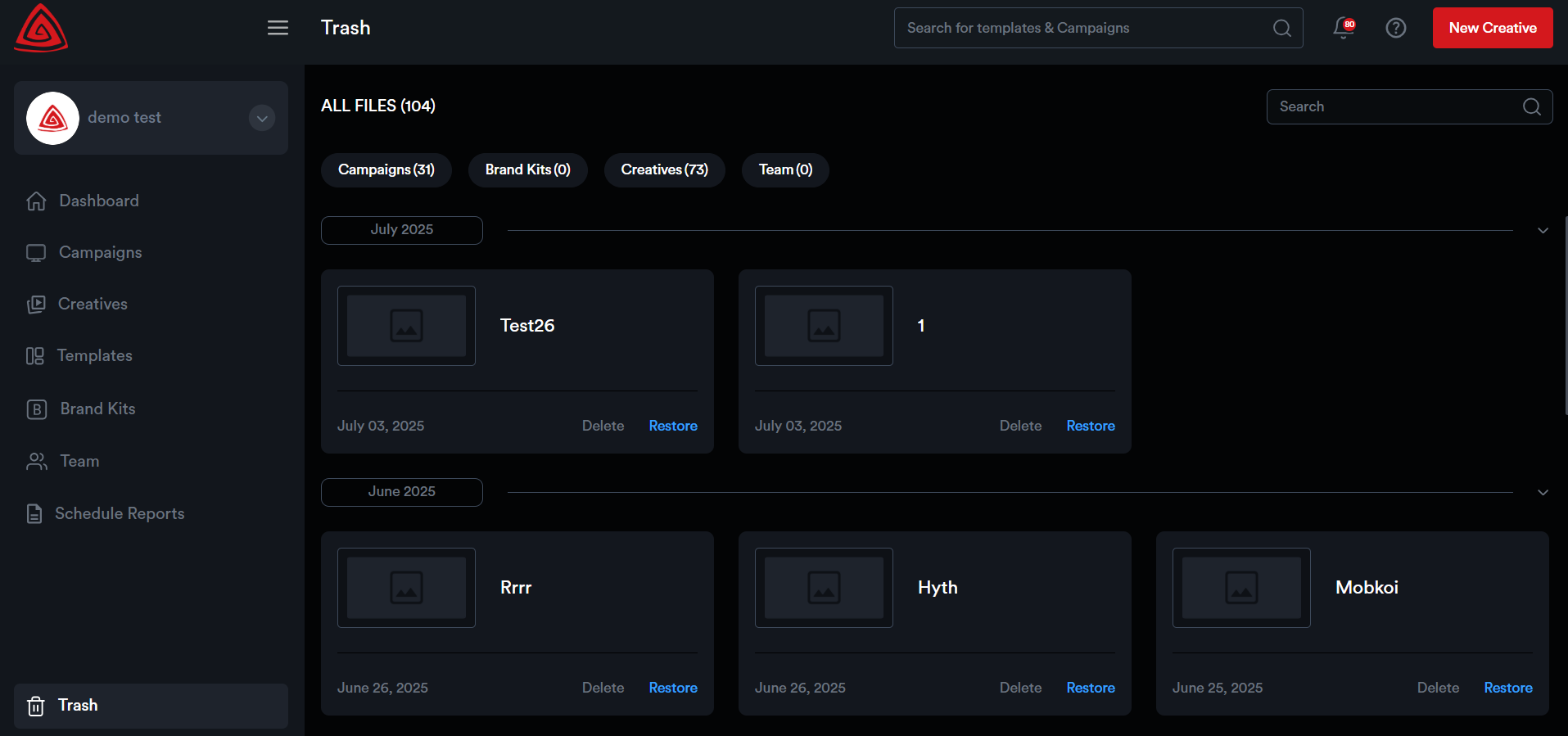
· Trash – Recover or permanently delete removed items.
Top Navigation Bar:
At the top, you’ll find: - A Search Bar to find templates or campaigns quickly. - A Notification Bell to view alerts. - Your User Profile dropdown (click on your name) to access profile settings. - A “New Creative” button to start building a creative from any screen.
Dashboard
The Adctv Dashboard provides a summary of campaign performance over the last 7 days within your organization, displaying key metrics such as impressions and CTR.
It also lists recently created creatives along with performance indicators and offers quick actions like preview and edit. Additionally, the dashboard highlights newly added templates, making it easy to start building creatives right away.
Campaigns
From here, you can create a new campaign. All previously created campaigns will be displayed here as individual cards.

Creatives
Here, all creatives belonging to an organization will be listed.

Templates
We offer a variety of predefined templates for ease of use, which will be listed here. Users can also create and save custom templates, and these will be displayed as well.

Brand Kits
The Brand Kits module allows you to store assets for multiple brands.

Users can effortlessly share their Brand Kit with collaborators via a unique link, granting them access to brand assets. Collaborators can upload logos, save color palettes, add fonts, and include other assets like images and videos.
This can be done by the Adctv user, or, once the kit is shared, the brand can upload assets themselves. No username or password is required for the brand to add items.
Team
This module allows you to manage team members. You can create new users, edit existing user details, delete users, and change passwords for team members as needed. This module helps you maintain control over your organization's user access and permissions

Trash
This module contains all deleted creatives, campaigns, and brand kits. Users can either permanently delete these items or restore them for future use.