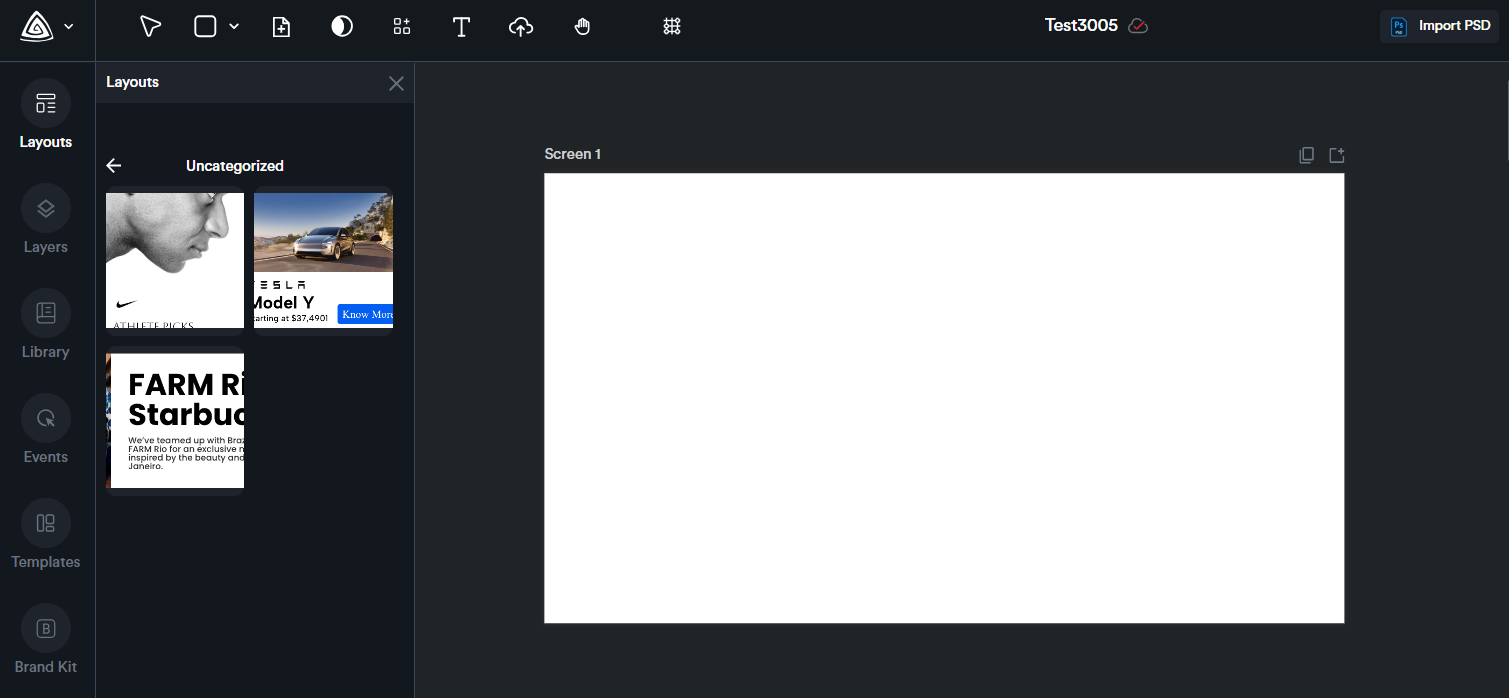
Layouts
You can select and group multiple components to create a custom layout. Once created, the layout can be named, saved, and reused anytime.
This is particularly helpful for building reusable sections—such as headers or footers—that you can easily insert into your ads whenever needed.
For example, here I have a description text, a QR code, and a CTA text.
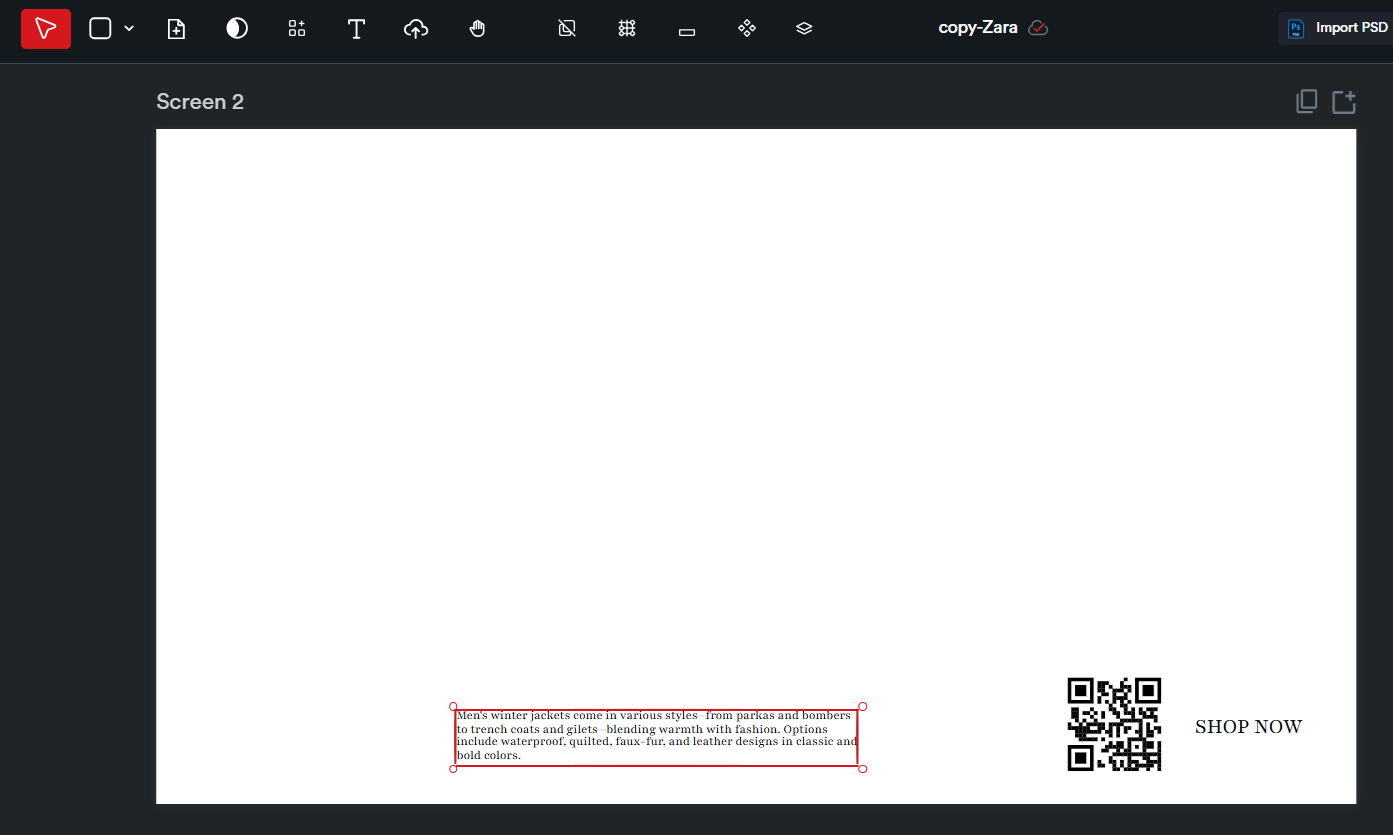
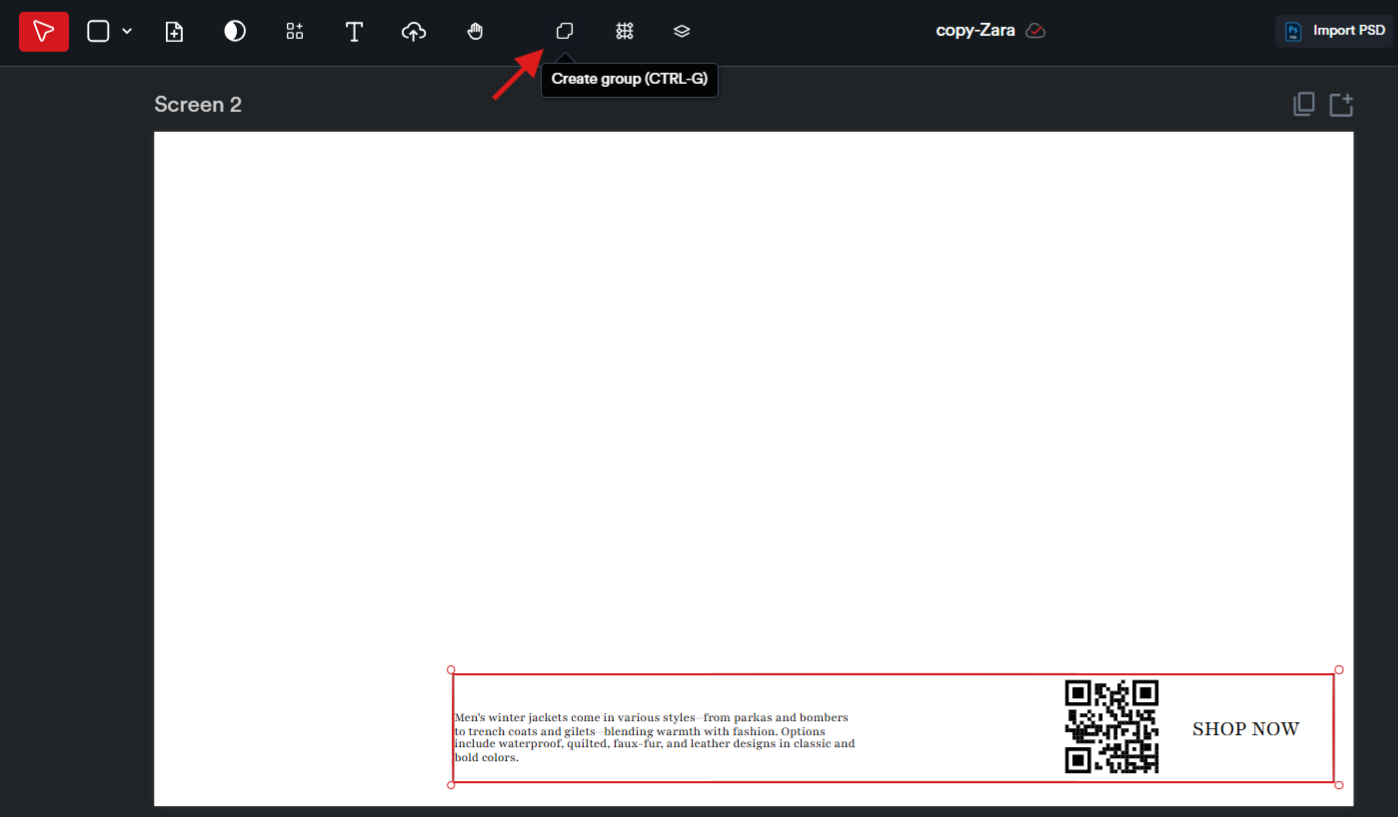
To turn these into a custom layout, start by selecting all three elements—hold the Shift key while clicking on each one. Then, click the ‘Create Group’ icon at the top to group them together.
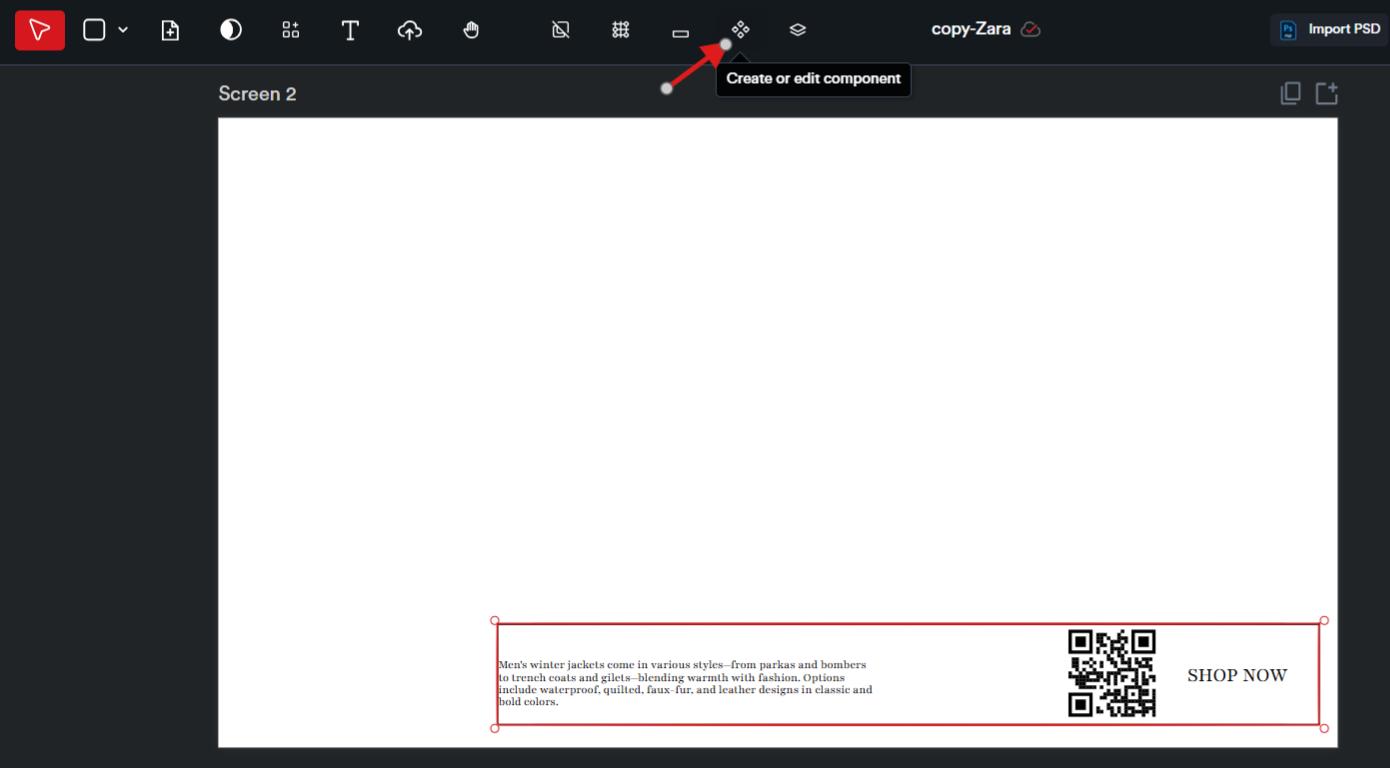
Next, click on the ‘Create or Edit Component’ button to begin creating your custom layout.
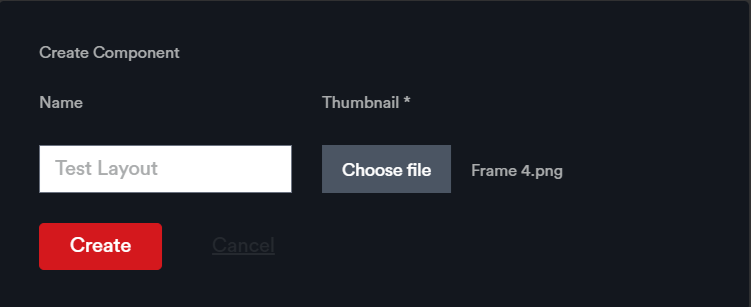
Give your layout a name and upload a thumbnail image. Once you're done, click ‘Create’ to save it.
The saved layout will be available in the Layouts module within the creative editor page and can be reused in any future creatives.